> ## Documentation Index
> Fetch the complete documentation index at: https://moengage-sdk-docs.mintlify.site/llms.txt
> Use this file to discover all available pages before exploring further.
# iOS Installation
# SDK Installation
## Installation using CocoaPods (Plugin Version 5.0.0 and above)
Starting from **cordova-ios** version 4.3.0 and **cordova-cli** version 6.4.0, CocoaPod support is provided to bundle any iOS framework. Therefore, we have updated our plugin too to support this from version 5.0.0.
Cocoapods is a dependency manager for iOS projects and makes integration easier. If you don't have cocoapods installed, you can do it by executing the following command in your terminal:
```Ruby Ruby theme={"theme":{"light":"github-light","dark":"github-dark"}}
sudo gem install cocoapods
```
Here, after adding the plugin just go to the **ios** folder in **platforms** and run **pod install** command to integrate our **MoEngagePluginBase**:
```Ruby Ruby theme={"theme":{"light":"github-light","dark":"github-dark"}}
pod repo update
pod install
```
### Add script to remove Unwanted Architectures
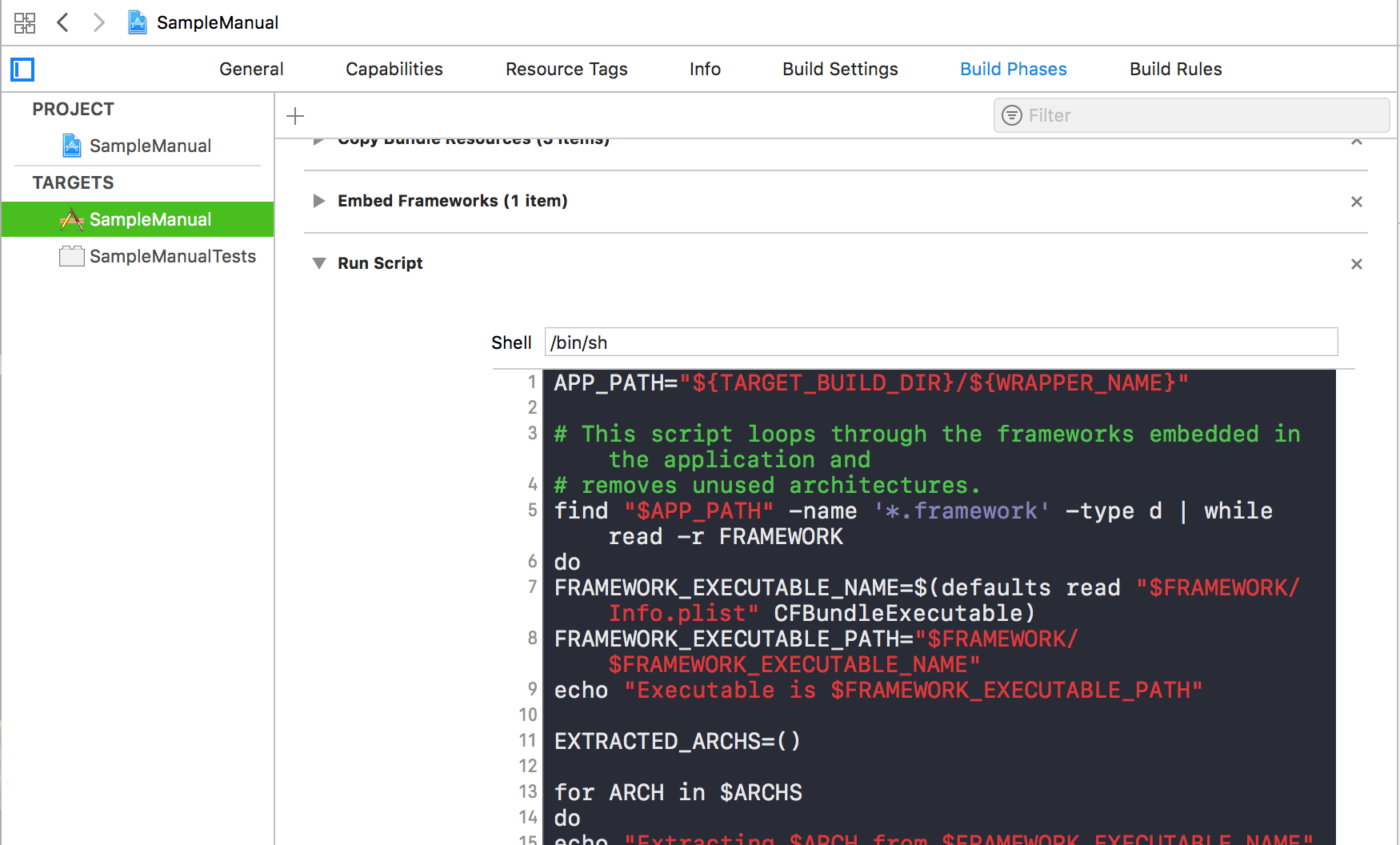
**Do this if not already done:** Select App Target and go to Build Phase and add a Run Script step to your build steps, set it to use **/bin/sh** and enter the following script:
```Shell Shell theme={"theme":{"light":"github-light","dark":"github-dark"}}
APP_PATH="${TARGET_BUILD_DIR}/${WRAPPER_NAME}"
# This script loops through the frameworks embedded in the application and
# removes unused architectures.
find "$APP_PATH" -name '*.framework' -type d | while read -r FRAMEWORK
do
FRAMEWORK_EXECUTABLE_NAME=$(defaults read "$FRAMEWORK/Info.plist" CFBundleExecutable)
FRAMEWORK_EXECUTABLE_PATH="$FRAMEWORK/$FRAMEWORK_EXECUTABLE_NAME"
echo "Executable is $FRAMEWORK_EXECUTABLE_PATH"
EXTRACTED_ARCHS=()
for ARCH in $ARCHS
do
echo "Extracting $ARCH from $FRAMEWORK_EXECUTABLE_NAME"
lipo -extract "$ARCH" "$FRAMEWORK_EXECUTABLE_PATH" -o "$FRAMEWORK_EXECUTABLE_PATH-$ARCH"
EXTRACTED_ARCHS+=("$FRAMEWORK_EXECUTABLE_PATH-$ARCH")
done
echo "Merging extracted architectures: ${ARCHS}"
lipo -o "$FRAMEWORK_EXECUTABLE_PATH-merged" -create "${EXTRACTED_ARCHS[@]}"
rm "${EXTRACTED_ARCHS[@]}"
echo "Replacing original executable with thinned version"
rm "$FRAMEWORK_EXECUTABLE_PATH"
mv "$FRAMEWORK_EXECUTABLE_PATH-merged" "$FRAMEWORK_EXECUTABLE_PATH"
done
```
This script is for removing unsupported architectures while exporting the build OR submitting app to the app store.
 **For Plugin version 3.2.0 and below:**
Open your project in Xcode, select your project. Go to **Build Settings -> Linker -> Other Linker Flags** and add **-ObjC** flag
**For Plugin version 3.2.0 and below:**
Open your project in Xcode, select your project. Go to **Build Settings -> Linker -> Other Linker Flags** and add **-ObjC** flag